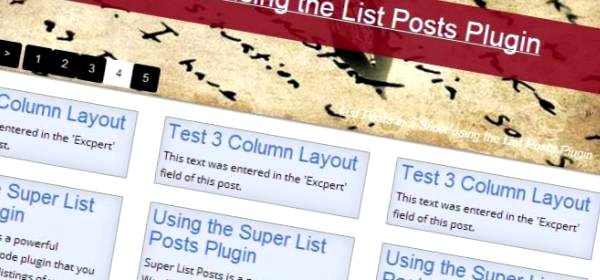
This text was entered in the ‘Excerpt’ field of this post.
This text was entered in the ‘Excerpt’ field of this post.
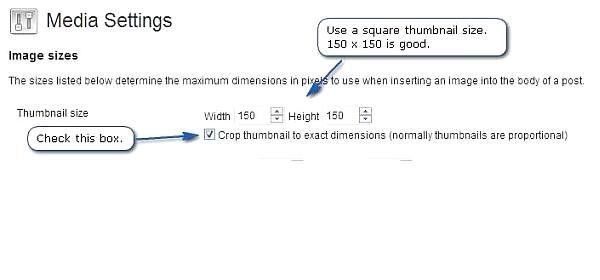
WordPress is a great platform. It’s really amazing in many, many ways. And the new Media Gallery features make working with photos a lot easier. But working with thmbnails can be difficult. When using the Super List Posts plugin, thumbnail images work best when you turn on the ‘Crop thumbnail to exact dimensions’ settings. Use… Read more »

[ezc_list_posts show_slider=true category_name=’super list posts’] There is no heading or date line on this Post The EZC Multi Caption Slider gives you various options to display your posts and slider images as you wish.
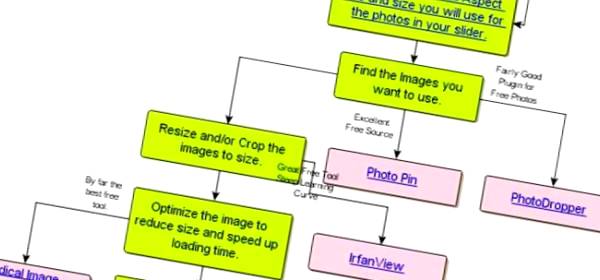

The EZC Multi Caption Slider works best when it is displaying images that are all the same size or have the same aspect ratio (width/height). Here are three images uploaded using the built in WordPress Media library. They are three different sizes, but the aspect ratio is the same for all of them. Actual size… Read more »
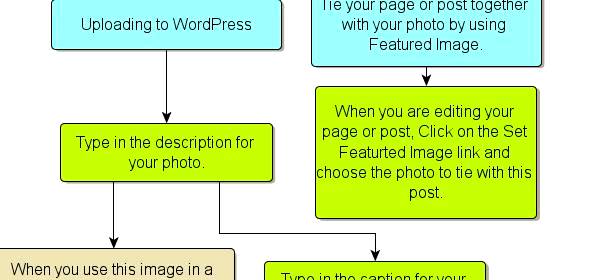
This table shows the options available that you can use with the slider shortcode

Shortcode For This Example: [[xp_get_posts category_id=’44,-50,-51,-53′ image_size=’xp100c’ show_excerpt=’true’ container=’ul’]]

You can combine mulitple category ID’s and show all the posts that are contained in these categories.

Here’s a better way to show listings of your posts. Show css styled lists by category, tag, etc. Specify the number of posts or split the display to display posts in sections. This powerful plugin gives you complete control.
Recent Comments